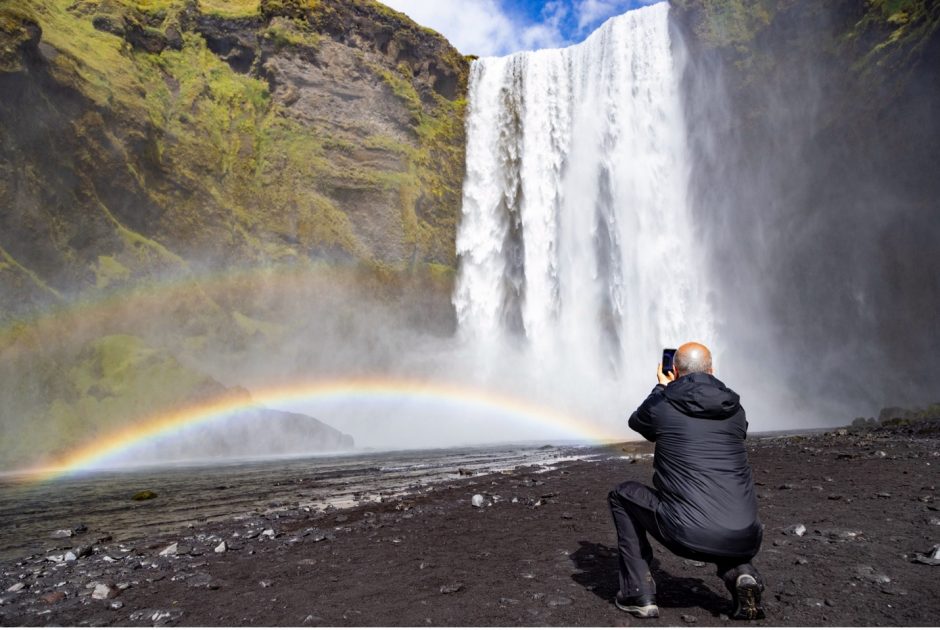
Smartphone Photo Tips for Nature and Wildlife Adventures
There is a saying in the world of photography that “the best camera in the world is the one you have with you.” In an era of such rapidly evolving technology, it’s a great reminder that a tool is only a good tool if you are using it. While a big fancy camera will always have its place in my bag, simply because I’m really into photography, smartphones are an excellent choice for many, and they have extraordinary benefits—even compared to the top-of-the-line cameras!
But in order to get the best use and quality from them, there are some important considerations. In this article, I’ve distilled what I believe to be a handful of key bits of advice as well as practical tips when using these amazing smartphone cameras.
Clean your Lens
I feel like I’m going for an obvious one here, but based on my own use of smartphones, I feel like this is an important one to mention. It’s always important to clean your lens, no matter the camera system. However, with smartphones, it’s extra important.
Because we’re using these as much more than just a camera, they are particularly prone to smudges, finger prints, and just plain dirt. The glass on most smartphones’ lenses is quite durable, so I find that just using a soft t-shirt (like, the one I’m wearing) is fine to just give it a quick clean before I photograph.
I might not do this for each and every shot, nor every time I take out my camera phone, but I do aim to create a habit out of this a couple of times a day…perhaps even more when shooting throughout the days like on most nature journeys.
If you aren’t accustomed to doing this, I assure you this will be a game-changer, especially with photographing towards the sun when sunstreaks are common on less-than-clean lenses. But again, it’s a good habit to form regardless and will improve the quality of your shots.

Don’t use Digital Zoom (Toggle Instead)
Smartphones have come a long way and now the most advanced ones often feature more than one lens. Each lens is treated like a ‘prime’ lens that is built for a very specific focal length and they’re usually something like a 1x zoom (~28mm) 2x zoom (~42mm) and 5x zoom (100mm)…this varies quite a bit between makes and models, but the overall idea rings true.
While it’s tempting to ‘pinch and zoom’ on your phone screen to compose the shot exactly as you’d like, this usually injects digital zoom between each focal length.
To put it simply, you are degrading your image by using these ‘in between’ ranges. When ‘pinching’ to zoom, your camera phone is using digital cropping to give you the composition you’re aiming for, which reduces sharpness, magnifies imperfections, and reduces the file size.
I personally recommend that instead of ‘pinching and zooming’ on the phone screen, you use the little 1x, 3x, 5x on-screen button to keep your camera at the exact focal length of each lens. As you cycle between these zoom levels, your camera will automatically switch to the lens that’s designed for that zoom range, and you’ll retain the utmost quality, resolution, and all the good stuff that makes photos look sharp and high quality.
But don’t take my word for it…do some lens tests and see what I mean. If you shoot one photo at 1x and then pinch and zoom to 1.5x, you’ll likely notice that the 1.5x one is a bit more pixelated, grainy, and just not as sharp and good overall.
Use your Back Camera Most of the Time
For the vast majority of phone cameras, the back camera is much higher quality. I’m talking about the one that is on the other side of the phone screen.
I like a good selfie as much as anyone, but just keep in mind that those ‘front-facing’ cameras are typically lower quality in terms of optics, so while they may be good in a pinch, don’t use them unless you absolutely have to, as the back camera is going to give you the higher quality each and every time.
Try Slo-mo (Sparingly)
Smartphones make it SO easy to include video in your repertoire. While I probably don’t need to tell you to take a few videos when you can, I do feel compelled to encourage some slow-mo when the time is right.
Slo-mo is great for capturing fast moving things, so while it may render your video too slow for a clip of people walking or a sunrise, it’s excellent for moving wildlife, weathery landscapes (windy or rainy…solid movement in the landscape), and experiential-type shots. Riding in a fast-moving train or boat? That’s a great time to capture your experience in slo-mo!
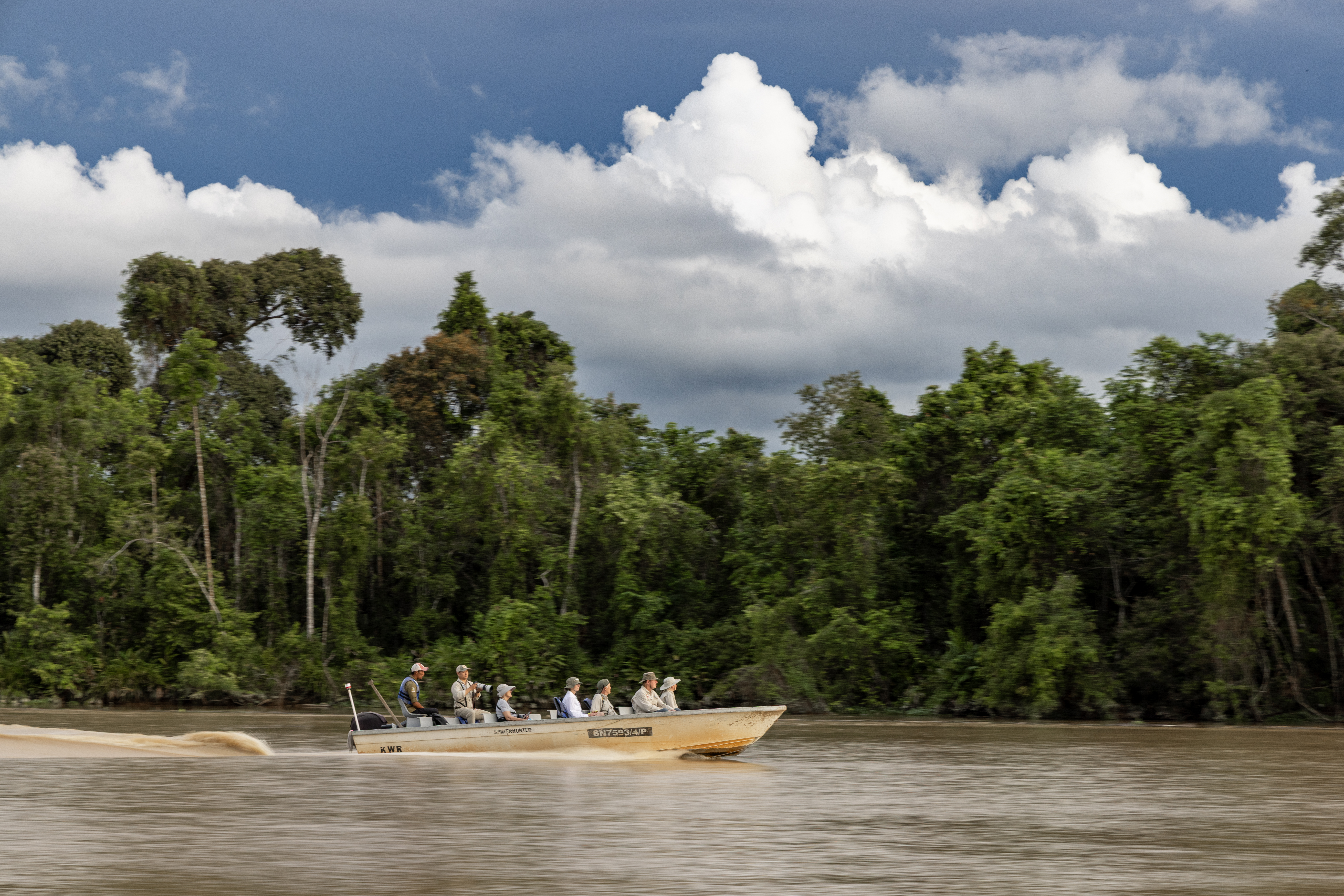
Most smartphones also give you the ability to moderate how much slo-mo you’re using. Usually there is a 240 or 120 icon on your screen…tapping this allows you to toggle between 240 and 120 frames per second, which basically translates to 10x or 5x low mo.
I use 5x slo-mo most of the time, as it makes the video look so nicely cinematic while not being too slow. However, if you become used to and versed in switching, going to 10x slo-mo for wildly fast moving things can be just what you need. The fast beat of a hummingbird, or whale breaching can be absolutely stunning in 10x slo-mo.
Just remember that with all slo-mo, it turns your video into something much longer. A 5 second in-real-time clip will turn into a ~25 second video at 120 frames (5x slo-mo) and a whopping 50 seconds at 240 frames (10x slo-mo).
With our ever-shortening attention spans, you just want to be judicious in how long of video you actually take. I usually aim for 2-3 seconds at a time, so that I’m not requiring anyone I’m showing these to (including myself) to watch 30 seconds just to see the few amazing seconds that you’re really trying to showcase.

Maximize their Capabilities (low light, high depth of field)
In addition to being ultra available and extremely easy to use, smartphones actually have another couple of advantages OVER the big, fancy cameras.
First is their low-light capabilities. These things use advanced software to capture inordinate amounts of light, while remaining rather high quality, that can outpace many other cameras. Thus, even if you are an avid photographer with another, ‘better’ camera, you may wish to use your smartphone for dawn and dusk photos, indoor photos, and anything that you might deem lower light.
The other amazing thing is that these phone cameras give you an extremely deep depth of field by default. That amazing photo of a whale tail with people in the background? I put my big camera away and take out my smartphone. My bigger camera just can’t capture it the same way.
I won’t bore you with the tech side of things, and how their smaller sensors allow this, but when you are faced with a situation where you want everything in focus, just remember that these smartphone cameras do the job exceedingly well.

Use Portrait Mode for more Artistic Shots
On the flip side, if you intentionally want a shallow depth of field, there’s an app for that. Or, more accurately, there is a camera mode for that, and it’s called ‘portrait’ mode.
I use portrait mode often when I’m photographing people, wildlife, and pretty much anything that is reasonably close to me. Like, within 5 to 15 feet. This provides that dreamy blur that makes the subject look extra sharp, while minimizing distractions in the background by blurring them.
Bigger cameras do this via optics, and to some degree phones do the same thing. But they also use software to do this and it works oh so well.
The only downside is that you usually can’t couple this with much telephoto/zoom, so you have to be able to get close to your subject, or at very least have the flexibility to move into a range that creates a nice image on-screen. That is, for many opportunistic wildlife shots, you can’t approach the animal, nor tell it what to do. So, while it’s great for wildlife in some cases, I use portrait primarily for things that I can approach…wildflowers, inanimate objects like sculptures or patterns in nature, some insects, and people.

Speaking of Macro…
Macro photo capabilities are coming SUCH a long way on smartphones. The ability to get close to things like ice or wildflowers and get filling-the-frame shots is just amazing.
For most of the smartphones I’ve used and been alongside in the field, you simply have to use your ‘ultra-wide’ lens, which is usually denoted as 0.5x on the phone camera screen, and get really, really close. This definitely doesn’t work for things that are likely to move away (e.g., butterflies) but it works very well for things like flowers, textures in nature like leaves, tree bark, stones, etc., and, well, anything you can easily and safely get close to.
Try it out—it’s super fun!

Bonus: Volume Down for an Actual Shutter Button
This used to be one of my first bits of advice for smartphones, however, many smartphones have caught on to the need and now feature a dedicated shutter button. Nevertheless, this still works on all phones, and can be a game-changer.
Tired of wrenching your thumb or index finger around to the on-screen shutter button? Simply hit the volume down button and it acts like an actual camera shutter—one click and the photo is taken. You now have an actual button instead of an on-screen ‘digital’ button!
In Summary
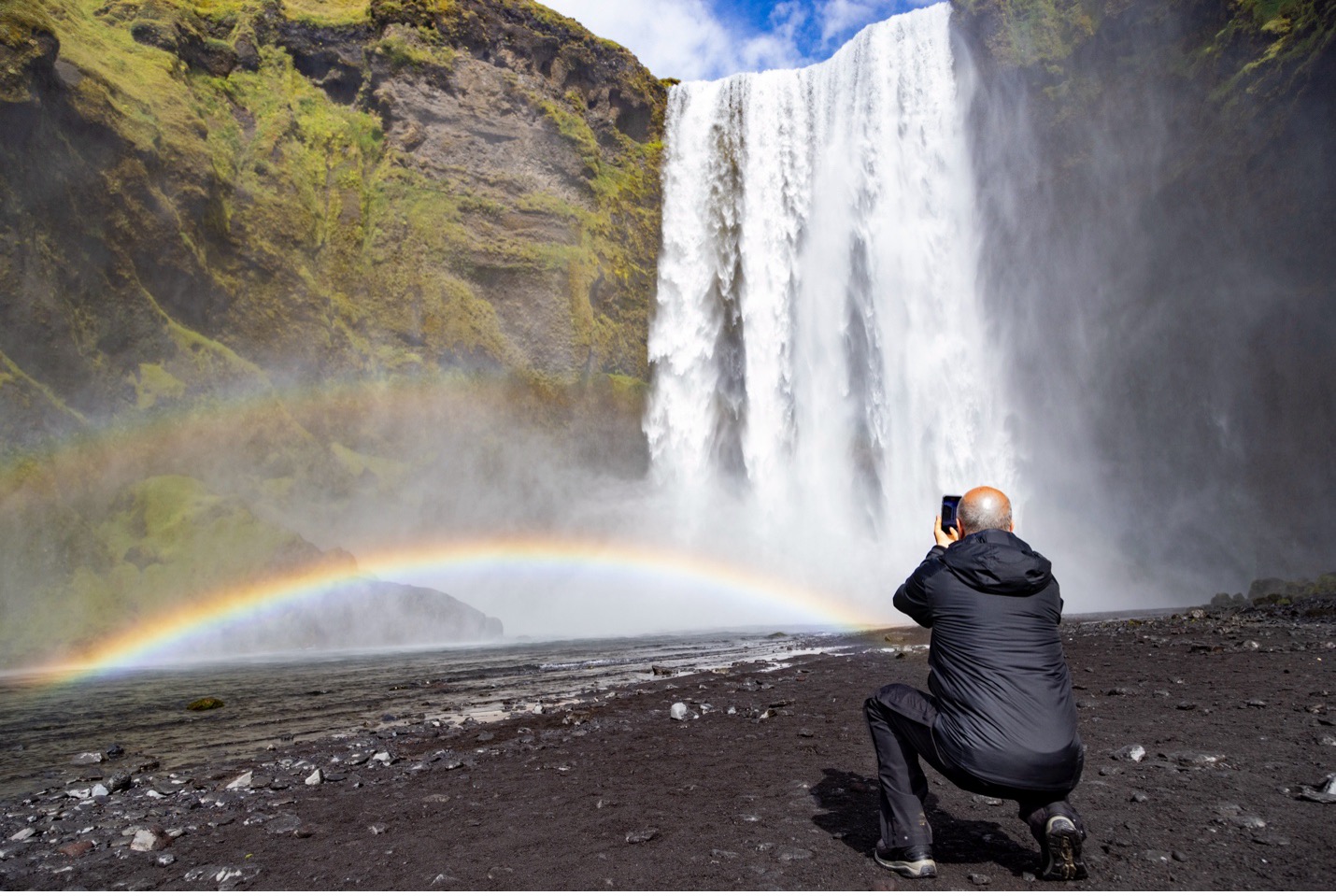
Chances are you are already using a smartphone for photography, so I don’t need to tell you how convenient and wonderful they are, especially when traveling and seeing extraordinary things in nature. However, not only can they replace a proper camera, but they are actually better in some cases AND they are improving markedly all the time.
With these tips and tricks, your existing phone camera can become even better at giving you what you want—better photos and more of them! I hope you found this useful, and if you have a tip that I haven’t mentioned, please do share in the comments below!
Go forward and give it a shot,

Court

Leave a reply